

Return to previous page
Interactive Slides App
We’re now available among Canva apps too!
Find the Interactive Slides App and turn your presentation into an experience. Combine Canva’s stunning visuals with Vivicon’s interactive features. Don’t just present – engage your audience and pull them into your talk!
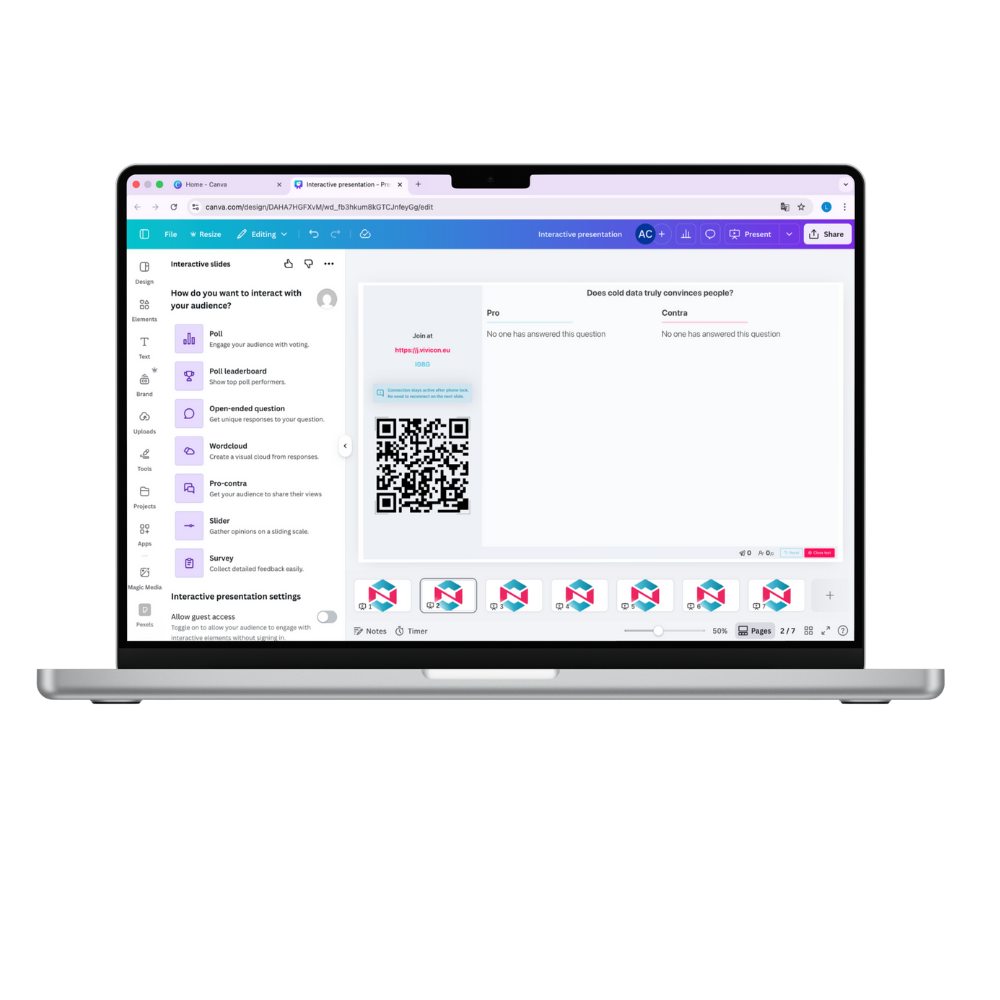
Interactive Slides App in Canva
We’re now available among Canva apps too!
Find the Interactive Slides App and turn your presentation into an experience. Combine Canva’s stunning visuals with Vivicon’s interactive features. Don’t just present – engage your audience and pull them into your talk!
The benefits of the Interactive Slides App

Two functions in one platform
Creative presentation designs and interactive polls in one place, so you dont’t have to chase the solutions.

Easy
to use
You don’t need a separate platform to use the interactive elements – you can stay right within Canva!

Increase interaction
With the interactive elements, everything is in place to effortlessly activate and engage your audience!
What interactive elements can you choose from?
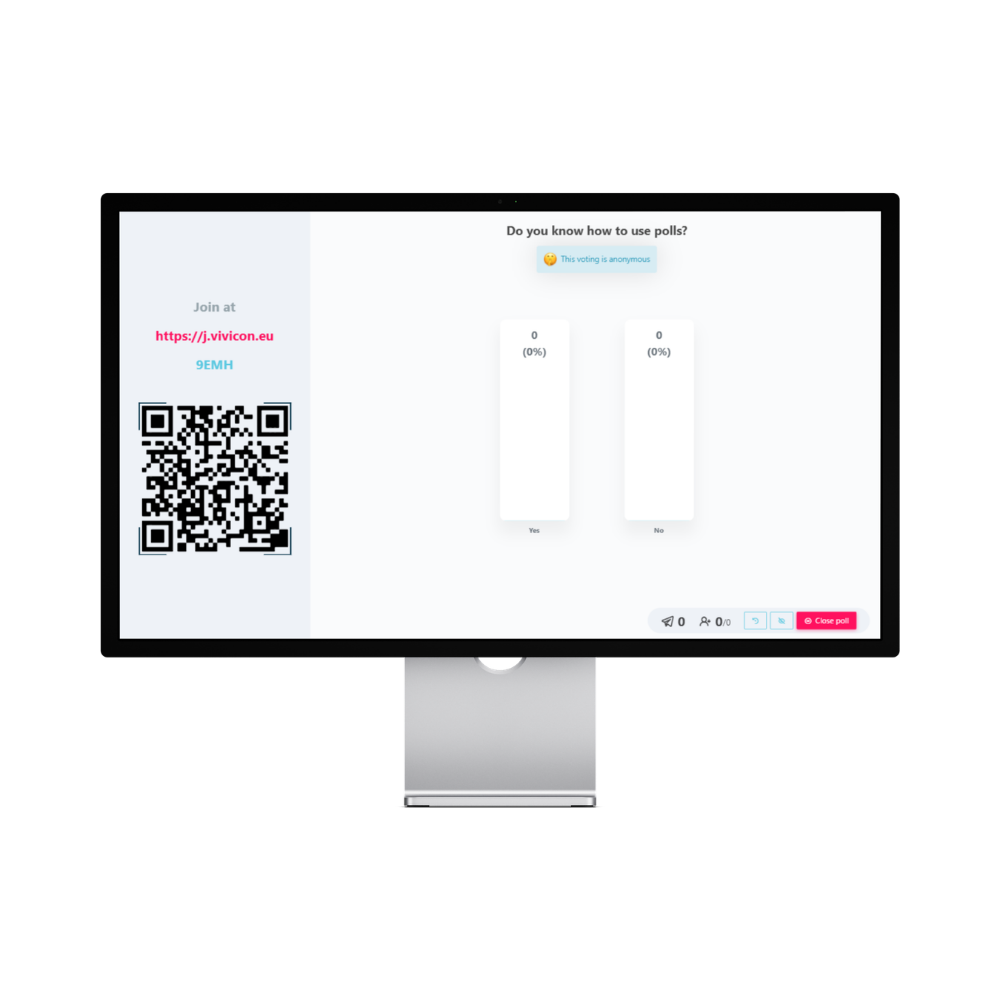
Poll
Single-choice or multiple-choice, with or without a correct answer. Ideal for assessing knowledge or experience — or even for launching a quiz game.
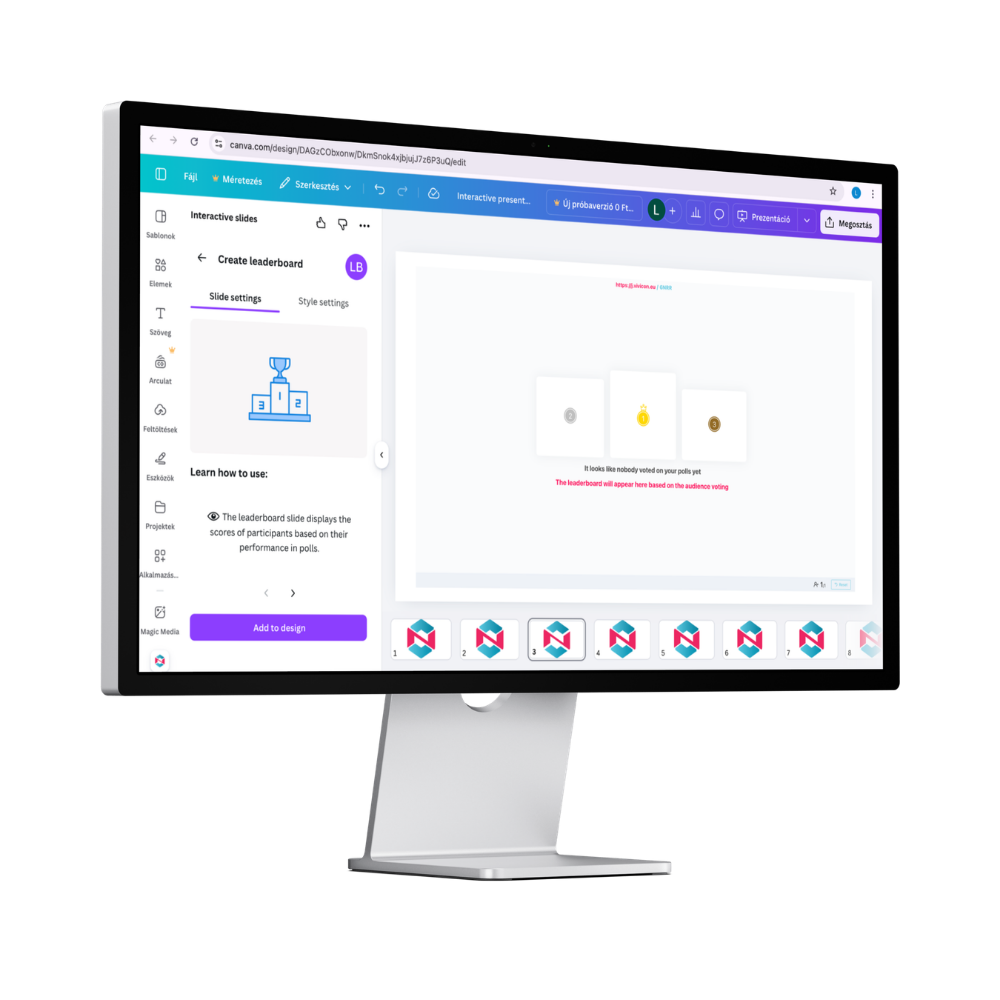
Poll leaderboard
Insert it into your design after Polls with correct answers – once they are closed, you will see the ranking of respondents here.
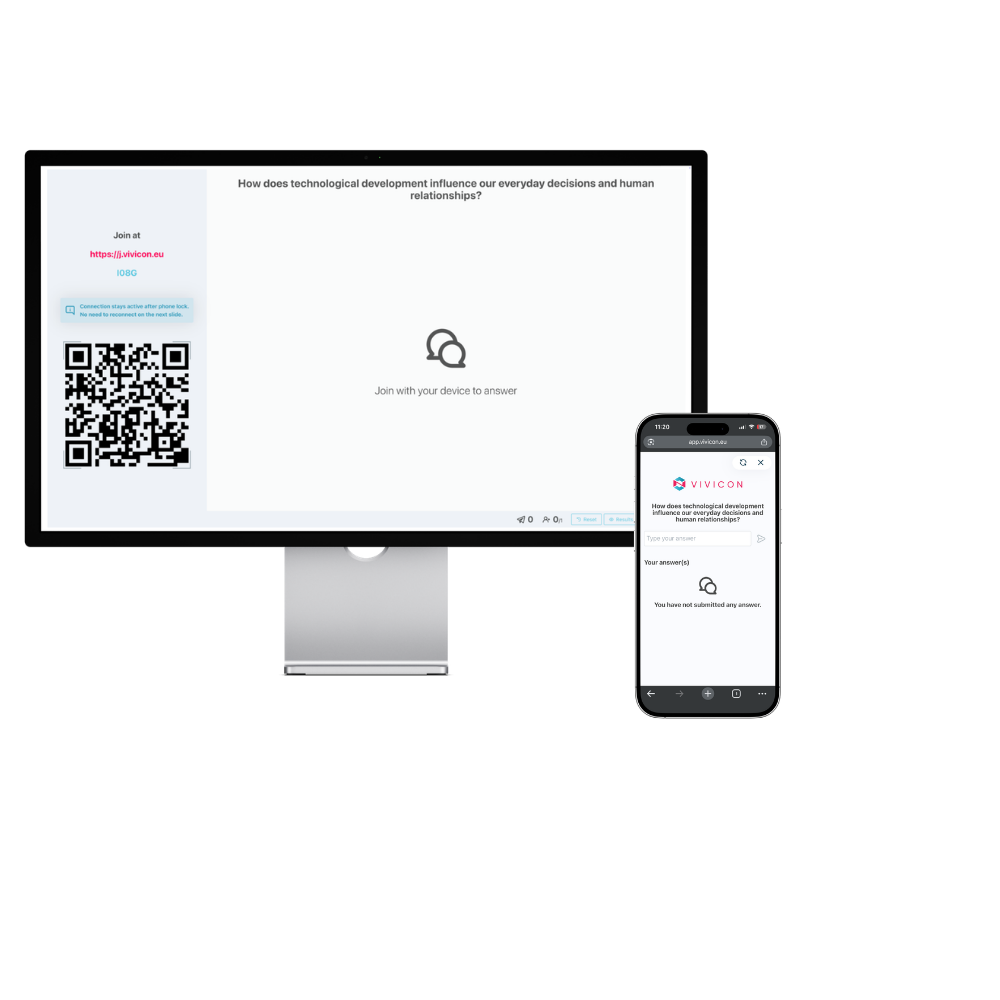
Open-enden question
Participants can answer your question in their own words, and identical incoming responses are automatically grouped together.
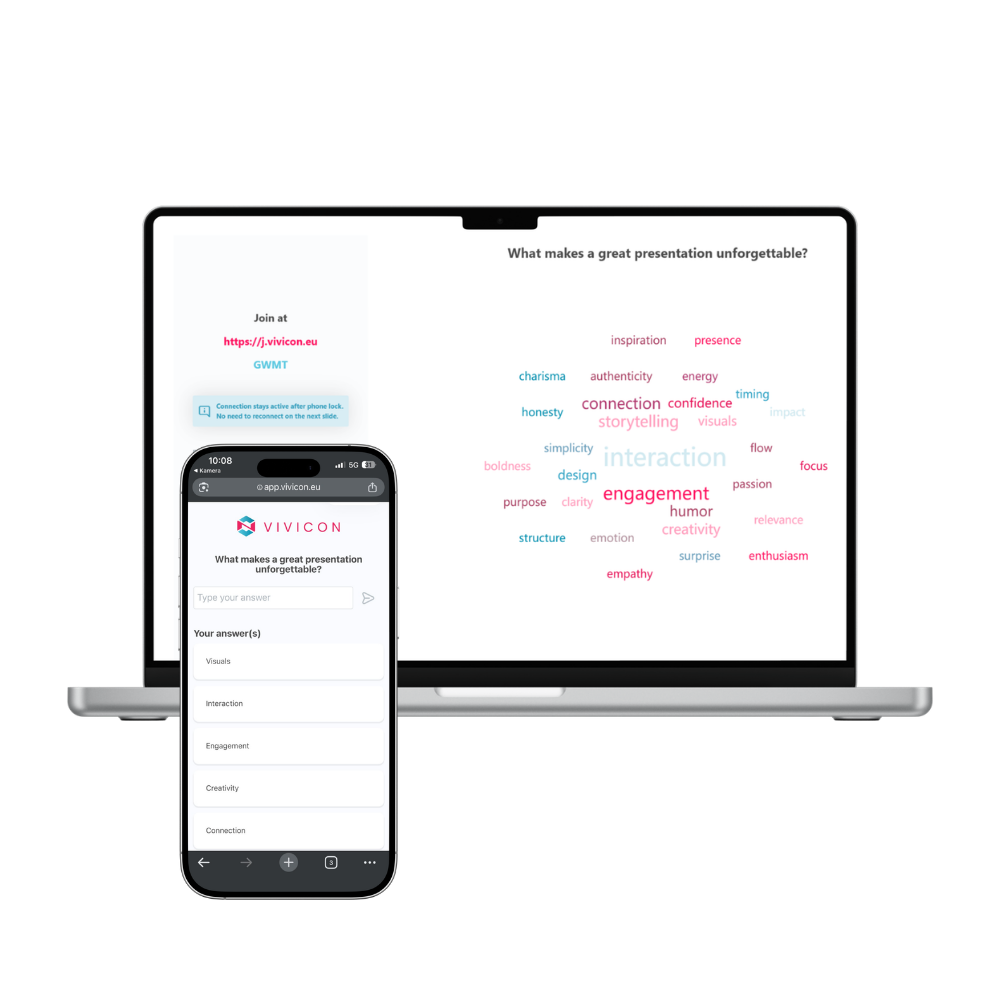
Word cloud
Let your audience “draw” their thoughts! The word cloud slide visually shows what participants associate with – the more people enter the same word, the larger it appears on the screen.
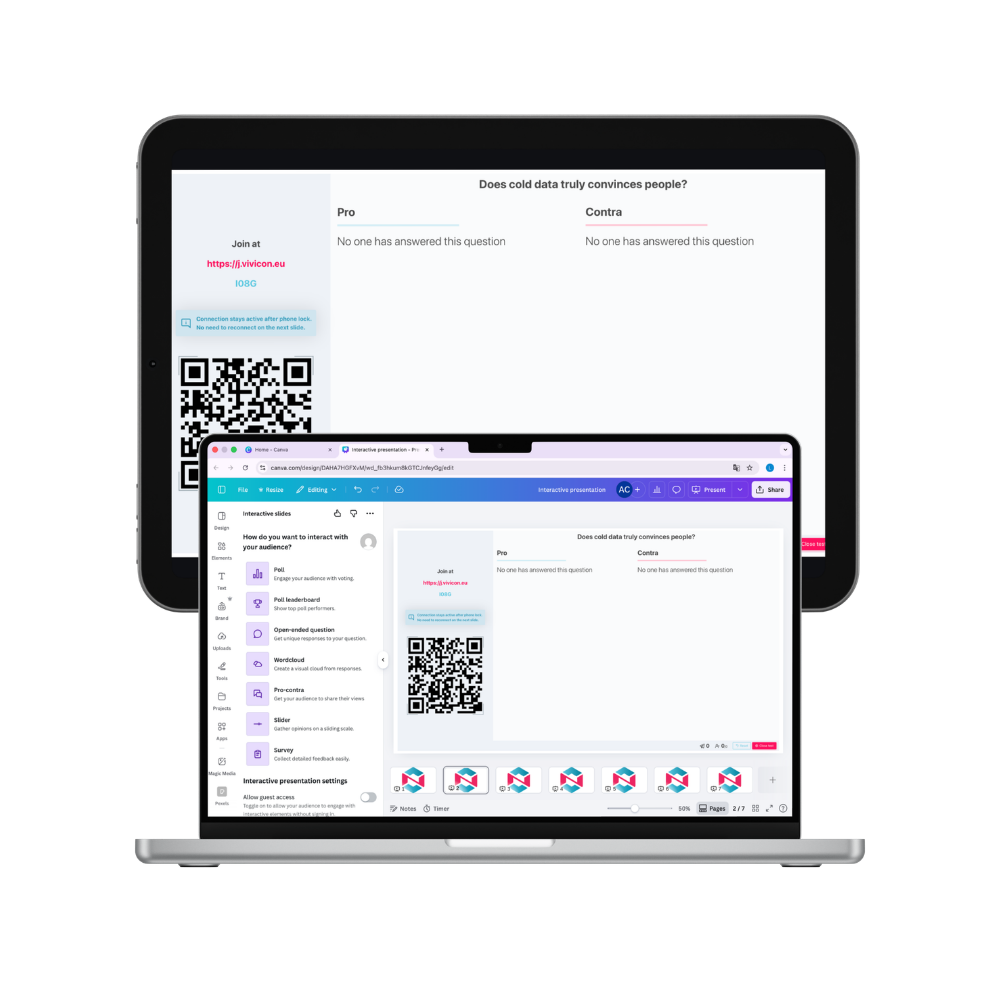
Pros and cons
Start a debate! Participants are split into two groups and can line up their arguments and counterarguments around the same topic.
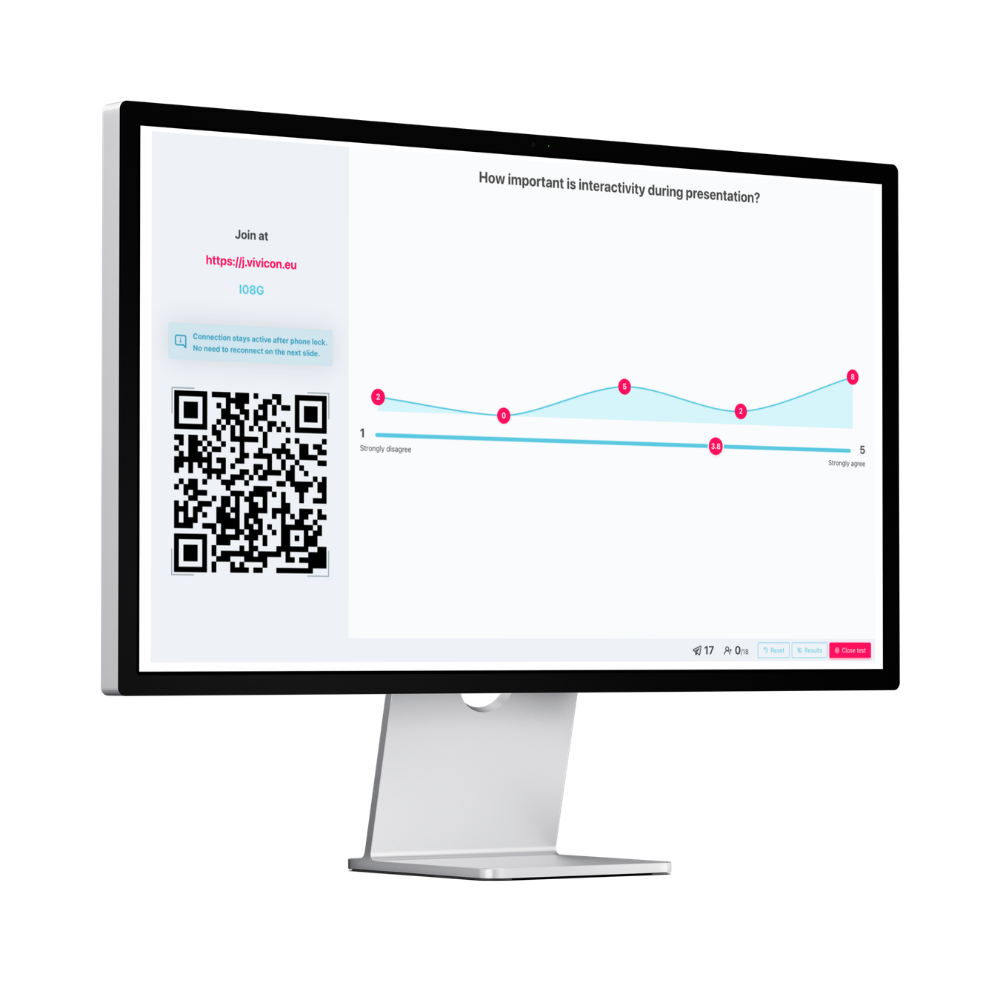
Slider
Audience members can mark their responses on a scale – for example, how much they agree with a statement or how they rate an experience. Ideal for measuring opinions, attitudes, and satisfaction.
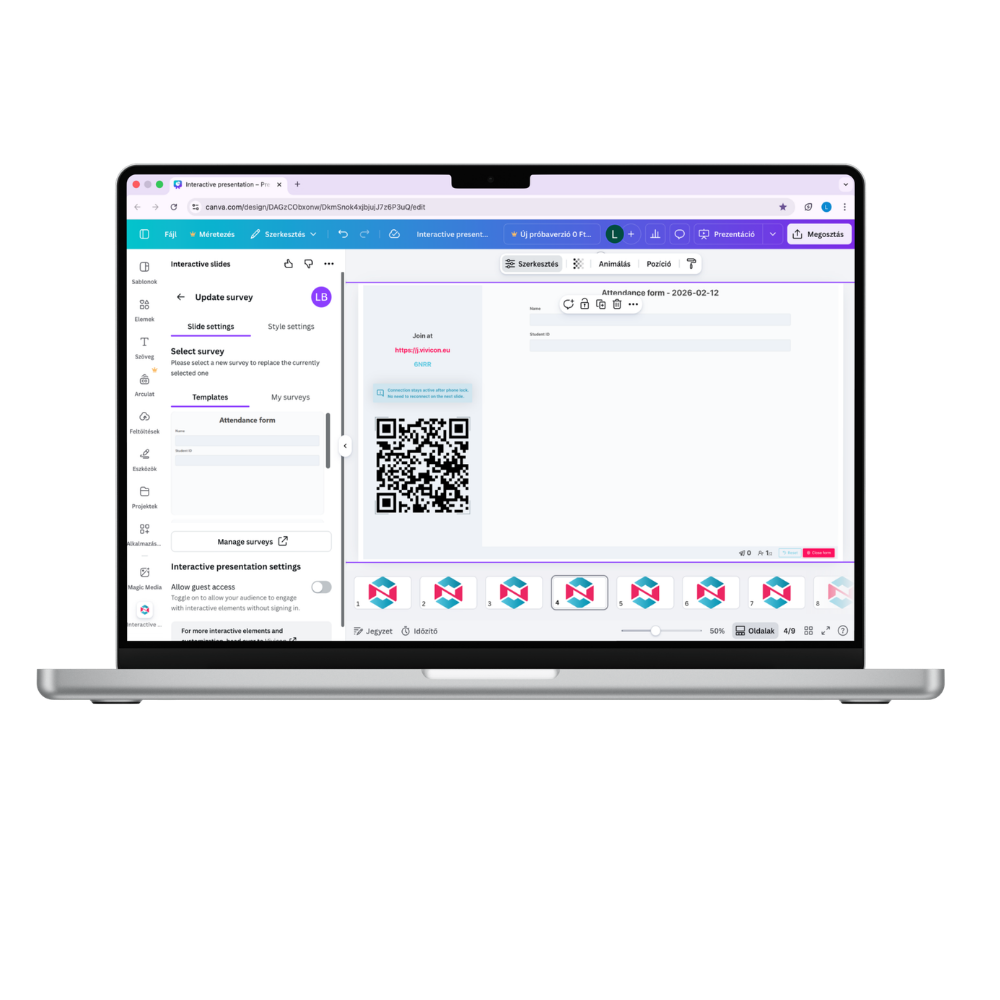
Survey
You can collect data, opinions, and feedback from participants in a structured way. Useful for questionnaires, attendance sheets, post-event evaluations, or tests.
Log in to
unlock extra features
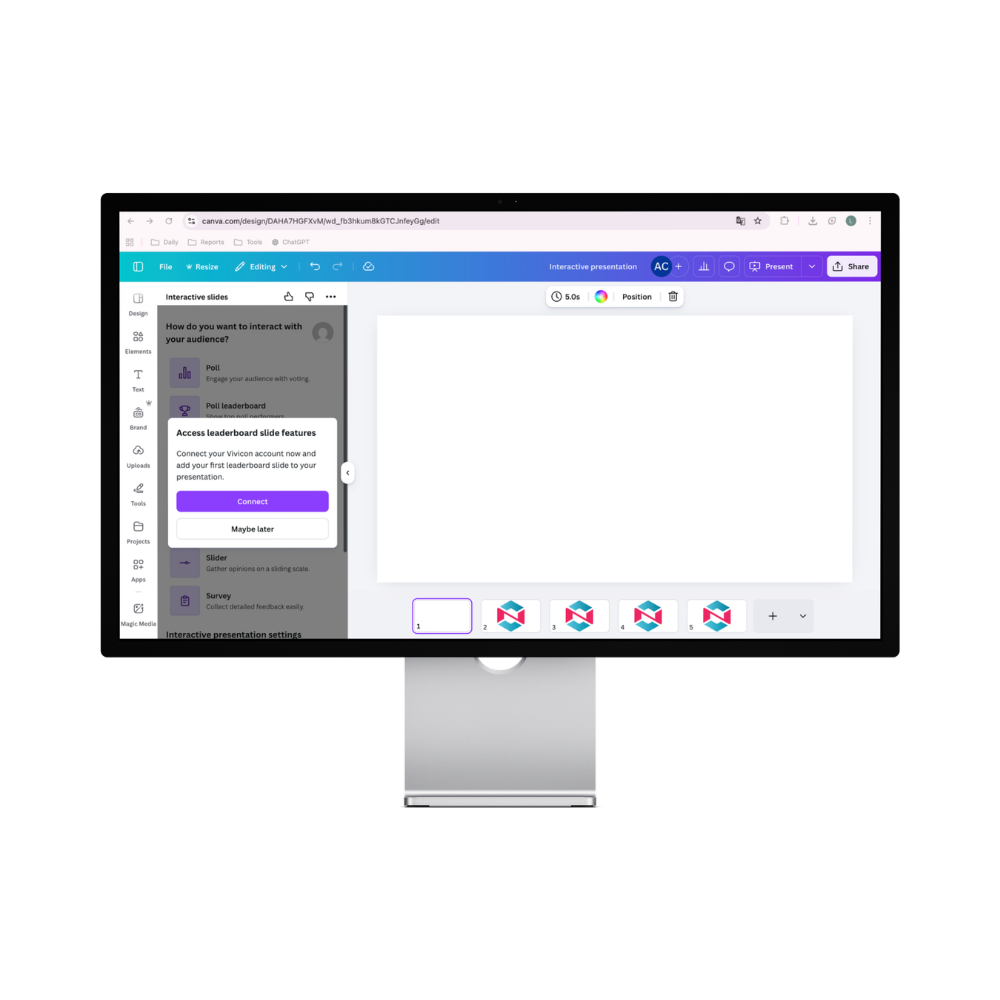
You can use the Interactive Slides app without logging in, but signing in gives you more! Connecting your Canva and Vivicon accounts takes just a few clicks and lets you get even more out of your presentations. In the app, click on, then choose Connect, and select the login method that’s most convenient for you: Google, Microsoft, or Apple.
You can also create a Vivicon account at app.vivicon.eu and log in using that.
What extra features do you get?
You’ll unlock interactive elements like Slider, Survey, and Poll Leaderboard, be able to download response results, and even vote on upcoming features!
How to sign in or join:
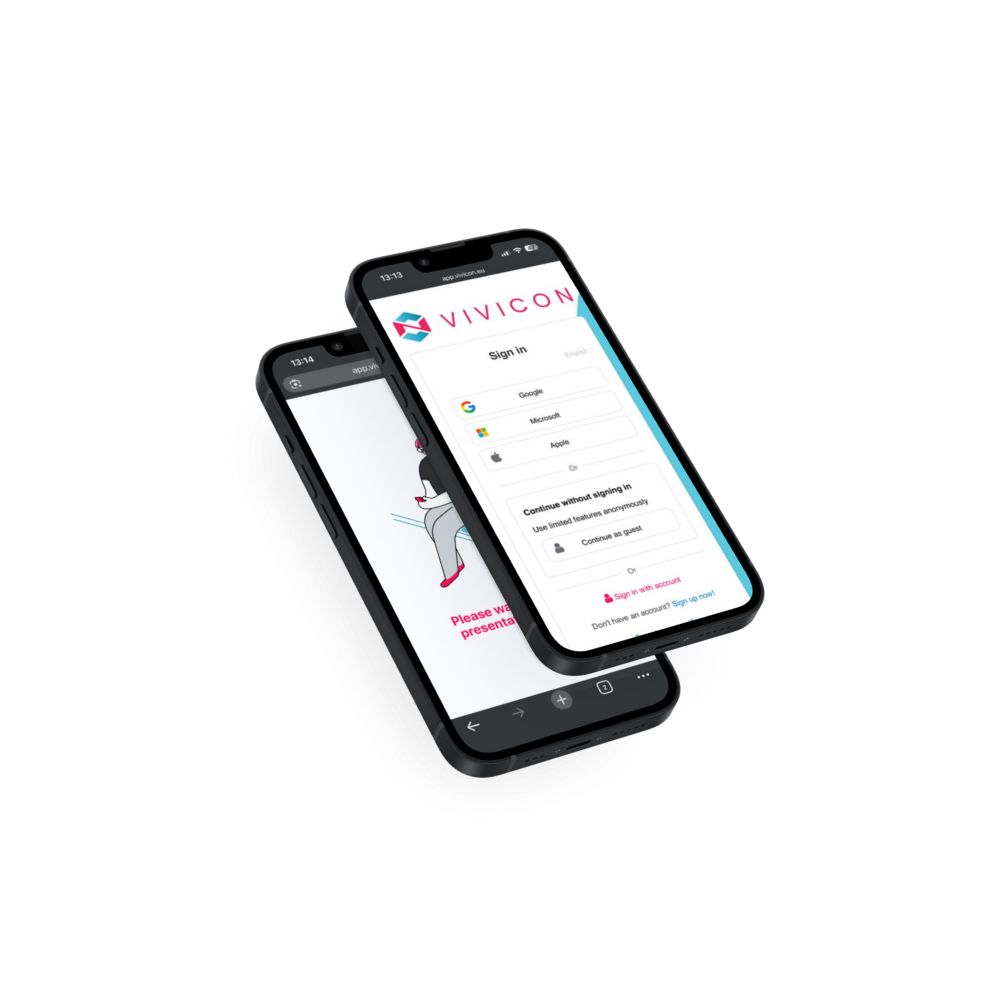
Users can sign in to the system as either presenters or participants using Google, Microsoft, Apple ID, or a registered Vivicon account. Presenters can also allow anonymous participation, so responses are not linked to individual identities.
Vivicon aligns perfectly with the current BYOD trend, enabling audience members to answer questions and complete interactive tasks using their own devices during presentations.
Participants can join the presentation via QR code, or link and access code.

Poll
Single-choice or multiple-choice, with or without a correct answer. Ideal for assessing knowledge or experience — or even for launching a quiz game.
Poll leaderboard

Insert it into your design after Polls with correct answers – once they are closed, you will see the ranking of respondents here.

Open-enden question
Participants can answer your question in their own words, and identical incoming responses are automatically grouped together.
Word cloud

Let your audience “draw” their thoughts! The word cloud slide visually shows what participants associate with – the more people enter the same word, the larger it appears on the screen.

Pros and cons
Start a debate! Participants are split into two groups and can line up their arguments and counterarguments around the same topic.
Slider

Audience members can mark their responses on a scale – for example, how much they agree with a statement or how they rate an experience. Ideal for measuring opinions, attitudes, and satisfaction.

Survey
You can collect data, opinions, and feedback from participants in a structured way. Useful for questionnaires, attendance sheets, post-event evaluations, or tests.
Log in to
unlock extra features
You can use the Interactive Slides app without logging in, but signing in gives you more! Connecting your Canva and Vivicon accounts takes just a few clicks and lets you get even more out of your presentations. In the app, click on, then choose Connect, and select the login method that’s most convenient for you: Google, Microsoft, or Apple.
You can also create a Vivicon account at app.vivicon.eu and log in using that.
What extra features do you get?
You’ll unlock interactive elements like Slider, Survey, and Poll Leaderboard, be able to download response results, and even vote on upcoming features!

How to sign in or join:
Users can sign in to the system as either presenters or participants using Google, Microsoft, Apple ID, or a registered Vivicon account. Presenters can also allow anonymous participation, so responses are not linked to individual identities.
Vivicon aligns perfectly with the current BYOD trend, enabling audience members to answer questions and complete interactive tasks using their own devices during presentations.
Participants can join the presentation via QR code, or link and access code.
Uploading and storing a presentation
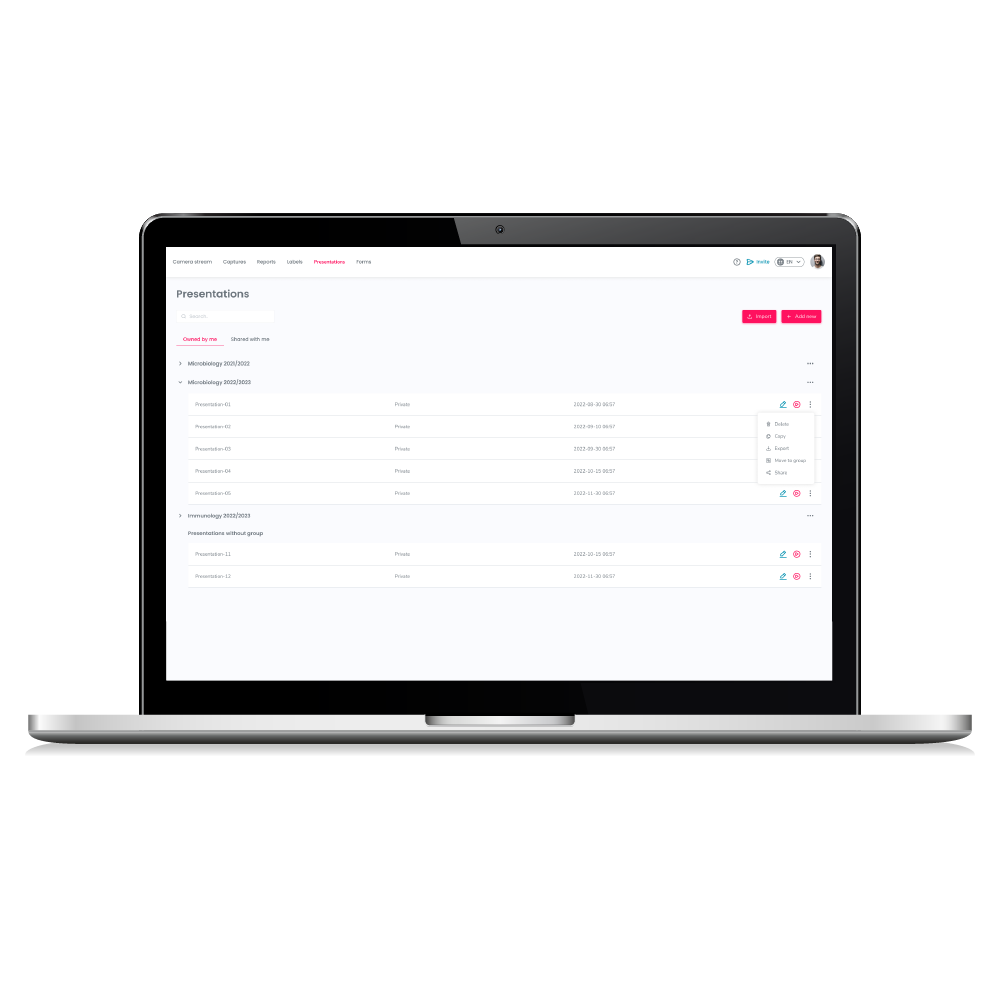
Upload your Power Point presentation and use it anytime from the online platform.

How to create unique and recallable presentation slides?
PowerPoint presentations have become part of our everyday life in recent years. We have already written about how to create an interactive presentation in a…

Preparation of an interactive presentation in steps
Nowadays, we are expected to listen to or present lots of presentations at conferences, in university classes or at work meetings. To avoid boring presentations…

Basics of storytelling – what it means, its role in presentations
Appealing to the emotions of the audience during a presentation is often a challenge even for experienced presenters. In such cases, it is recommended to…
Discover the benefits of the Interactive Slides App
Be the first, who fascinate their audience with innovative designs and solutions with the Interactive Slides App.
Discover the benefits of the Interactive Slides App
Be the first, who fascinate their audience with innovative designs and solutions with the Interactive Slides App.